The available exports and data quality are reviewed before an agreed, supported migration scope is confirmed.
Switching recruitment CRM
Switch CRM without starting from zero.
Keep the useful data, terminology and operating decisions in view while a configured AxamyOne workspace is prepared, tested and introduced to your team.
- Agreed migration scope
- Configured workflow
- Role-based training
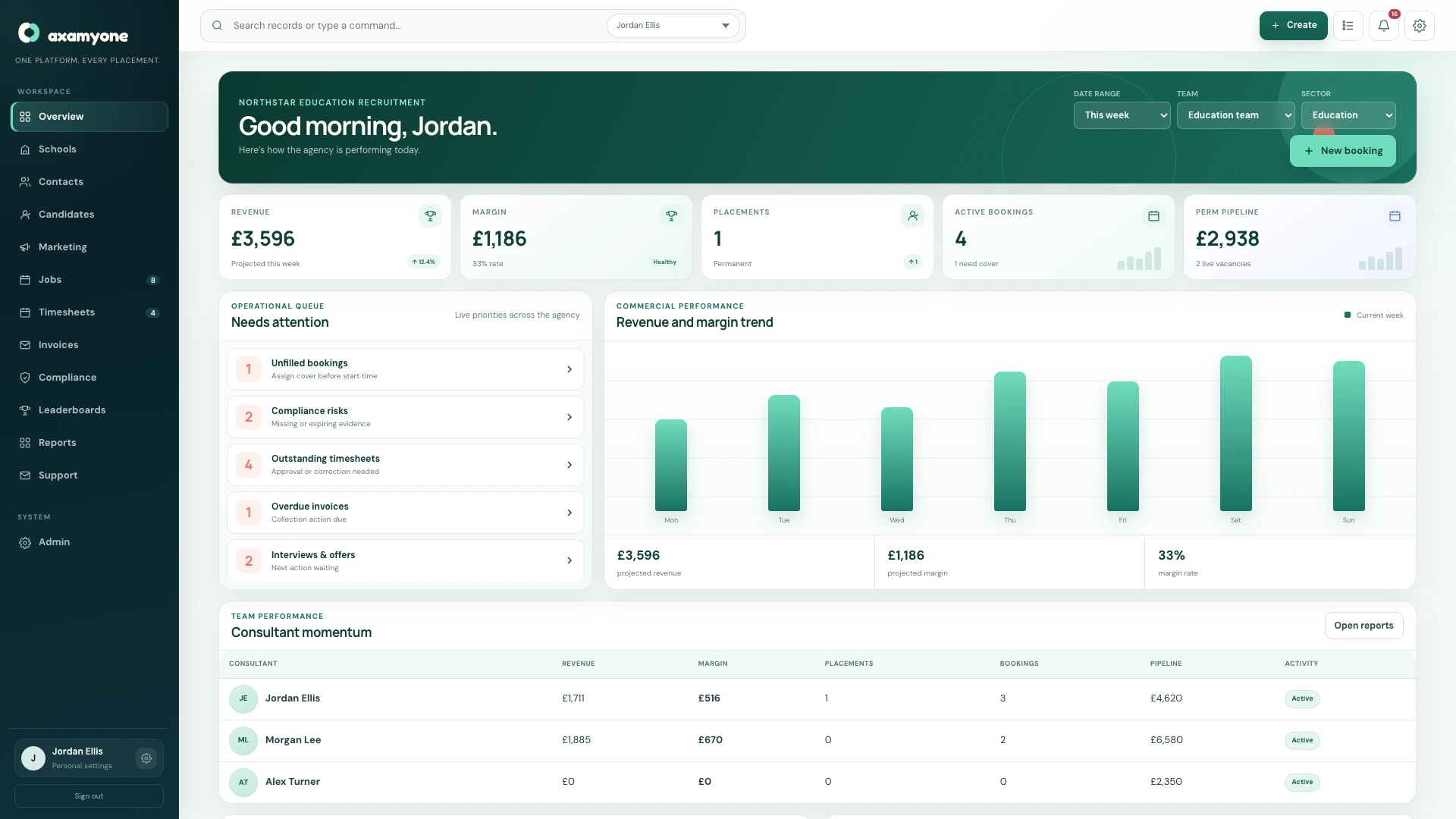
The destination mattersMove into an agreed operating workspace, not another empty database
The practical questions
A CRM switch should answer what changes—and what does not.
These decisions are worked through during discovery and confirmed in the implementation scope.
The current candidate, client, placement and commercial journeys are mapped before AxamyOne is configured.
Checks, groups, required dates, review cycles, notes and document journeys are agreed for the new workspace.
Supported client, candidate, job and industry terminology can be configured around the agency.
Users, roles, enabled modules and management scope are prepared before access is issued.
Training focuses on the workflow and screens relevant to each role in the configured system.
Data migration
Move the data your team needs—not every historic problem.
Supported implementation can include agreed candidates, clients, contacts, users and relevant compliance records. The final scope depends on the existing system, export format, data structure and quality.
Attachments, historic activities, bespoke fields and legacy workflows should be reviewed explicitly. They are not assumed to transfer automatically.
- Source export review
- Field mapping
- Data quality checks
- Duplicate handling
- Agreed record scope
- Validation before launch
Keep access to what is not migrated
A sensible exit plan can preserve an appropriate legacy export or archive outside the new live workflow. The exact retention and access arrangement remains part of the customer’s wider data and vendor plan.
Microsoft 365
Reconnect communication deliberately.
AxamyOne supports organisation-level Microsoft setup with authorised users and shared mailboxes for supported recruitment communication. The connection is configured for the new workspace rather than copied from another company or environment.
- Organisation connection
- Authorised identities
- Shared mailbox routing
- Recruitment email purposes
- Separate system notifications
- Test delivery before launch
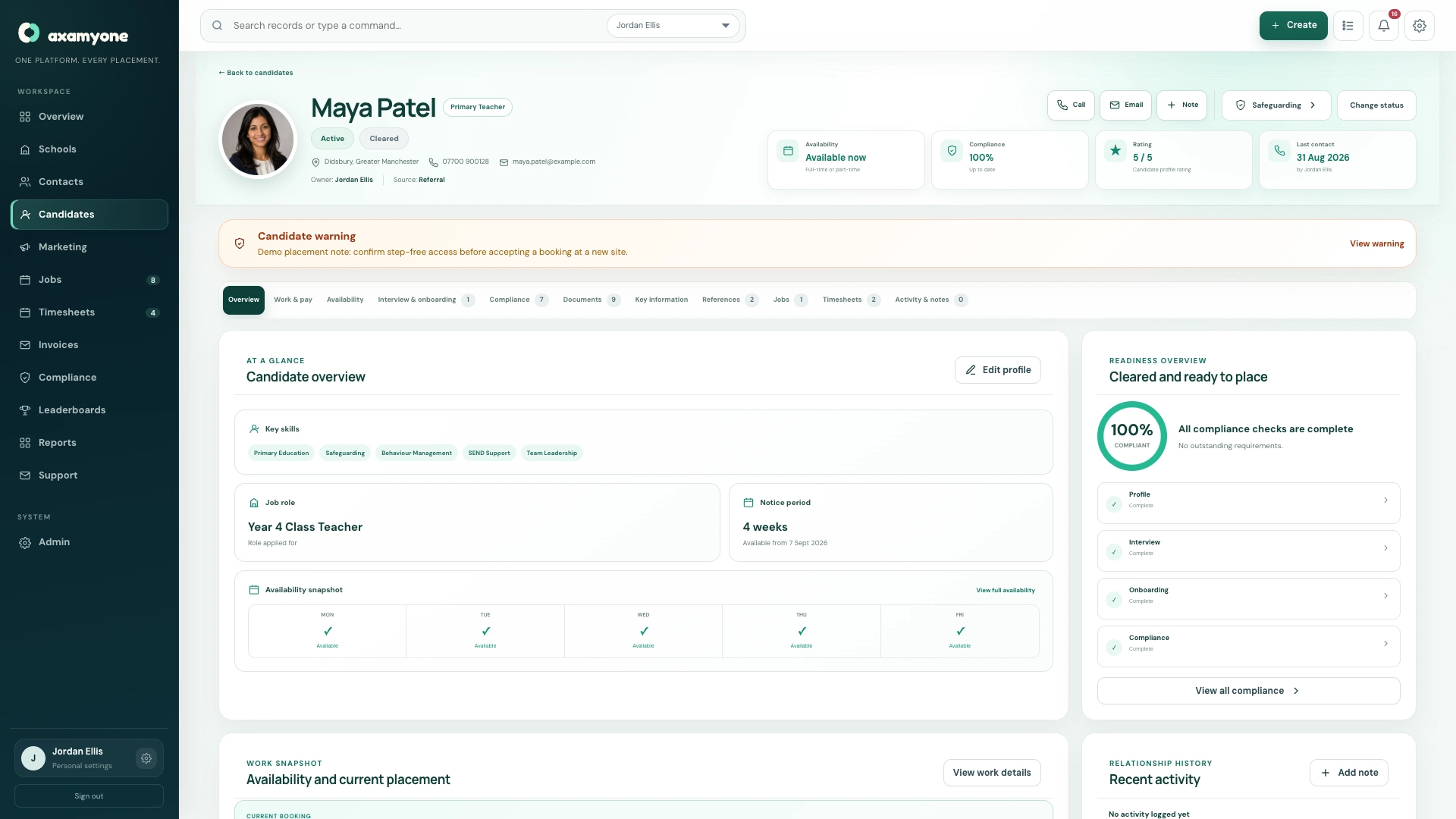
A controlled handover
Prepare, test, train and then launch.
The sequence reduces avoidable surprises without pretending that every migration is identical.
- 01ReviewCurrent CRM and exports
- 02AgreeScope and responsibilities
- 03ConfigureWorkspace and workflows
- 04ValidateData and user journeys
- 05TrainTeams by role
- 06LaunchMove into live use
Switching questions
Be clear before commitment.
Can every field and attachment be migrated?
No blanket promise is made. The source exports, data structure and quality must be reviewed before the supported migration scope is agreed.
Can we keep our existing terminology?
Supported workspace terminology is configured during implementation so the new CRM can reflect the way your agency describes its work.
Will our compliance process have to change?
The existing process is reviewed, but the final setup must also fit the supported AxamyOne evidence, review and document model. Any required change should be agreed before launch.
How is Microsoft 365 connected?
The customer organisation connection, authorised users and supported shared mailboxes are configured and tested for the new workspace.
How long will switching take?
Timing depends on scope, data, external access and customer decisions. A realistic plan should be agreed after discovery rather than promised as a universal number.
Talk to us about the CRM you are leaving and the agency you need to run.
We’ll focus on the source data, workflows, users and risks that shape a sensible switch.