
A more connected recruitment day
From finding the right people to training, bookings and approved work, the latest AxamyOne updates bring your everyday workflow closer together.
Explore the update
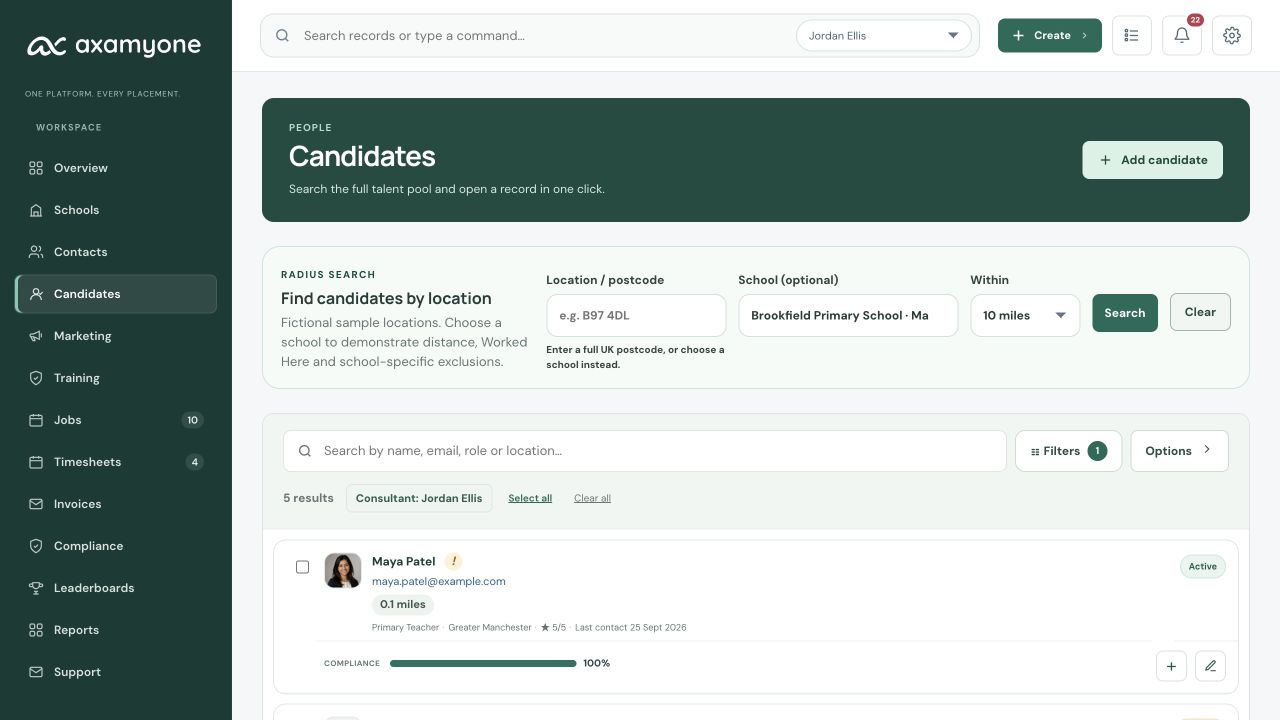
Find people with School context
Start with the School and see the people who fit the opportunity.
Search within 1–30 miles of a selected School, combine existing Candidate filters and order results by nearest distance.
Worked Here identifies Candidates with completed work at that School. Cancelled, provisional and unfilled bookings do not count.
School-specific Do Not Use restrictions keep a Candidate out of that School’s searches, matches and booking selection, without affecting other Schools. Existing bookings are preserved and warned about.
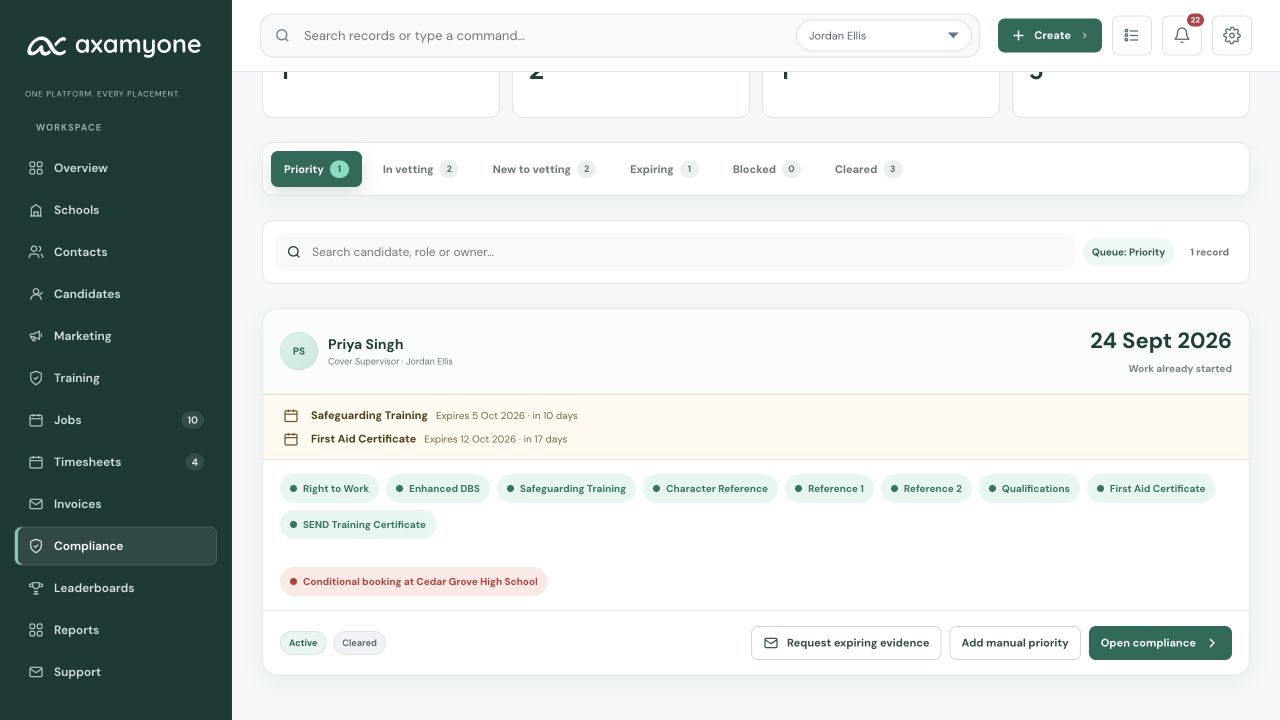
See what needs attention
Keep outstanding evidence, upcoming work and manual priorities in view.
Priority brings Candidates needing attention into a focused view, while keeping their outstanding and expiring checks visible.
Request missing evidence and include additional eligible checks. Previously requested Candidate evidence can be requested again; references awaiting a referee stay with the referee follow-up workflow.
Plan future Conditional Bookings and confirm Clearance to Work once the Candidate is clear. A Conditional Booking does not permit uncleared work to start.
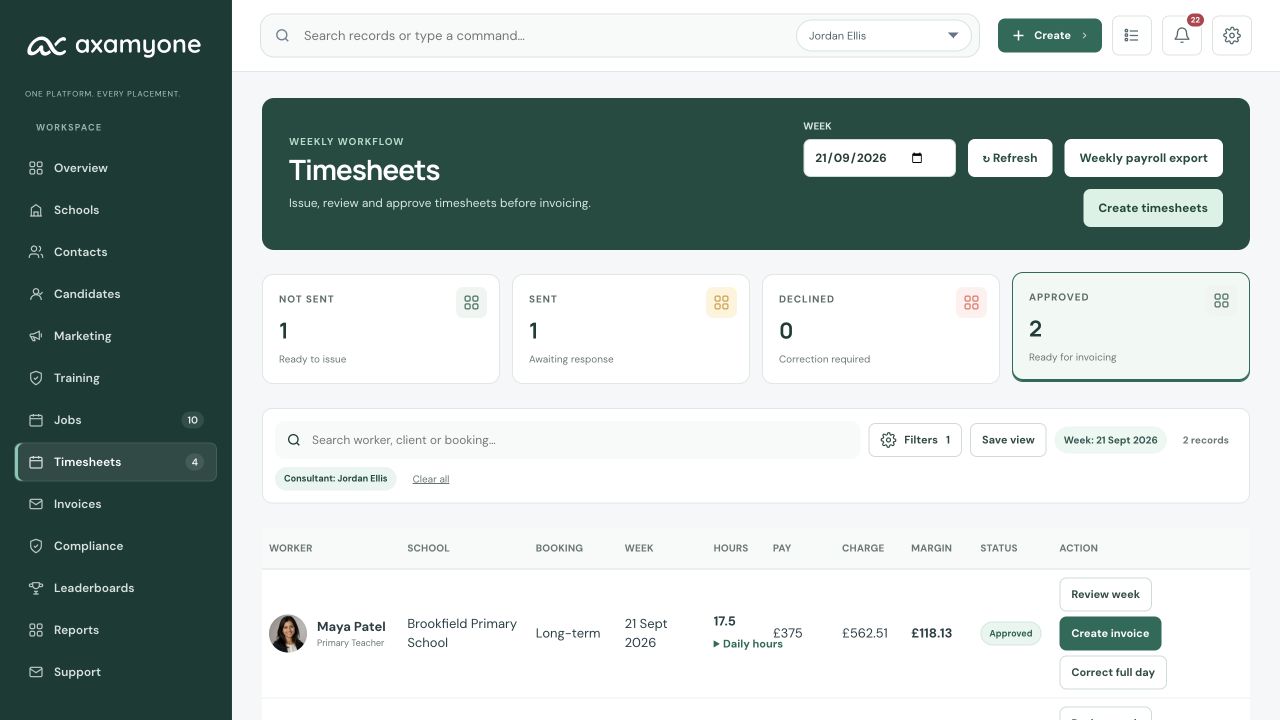
Understand booking profitability
See Candidate pay, estimated employment cost, Client charge and Gross Margin together.
Authorised Admins configure company-wide PAYE employer-cost percentages in Finance Settings. Applicable Bookings snapshot the components used, so later changes do not rewrite historical margins.
Weekly payroll-ready exports use exact approved Candidate gross pay from approved Timesheets. Your payroll provider remains responsible for statutory payroll calculations.
Finance-authorised users can make a reasoned full-day to half-day correction to an approved, uninvoiced Timesheet, using its snapshotted costs and preserving the original Gross Margin. Invoiced work remains locked to the credit-note process.
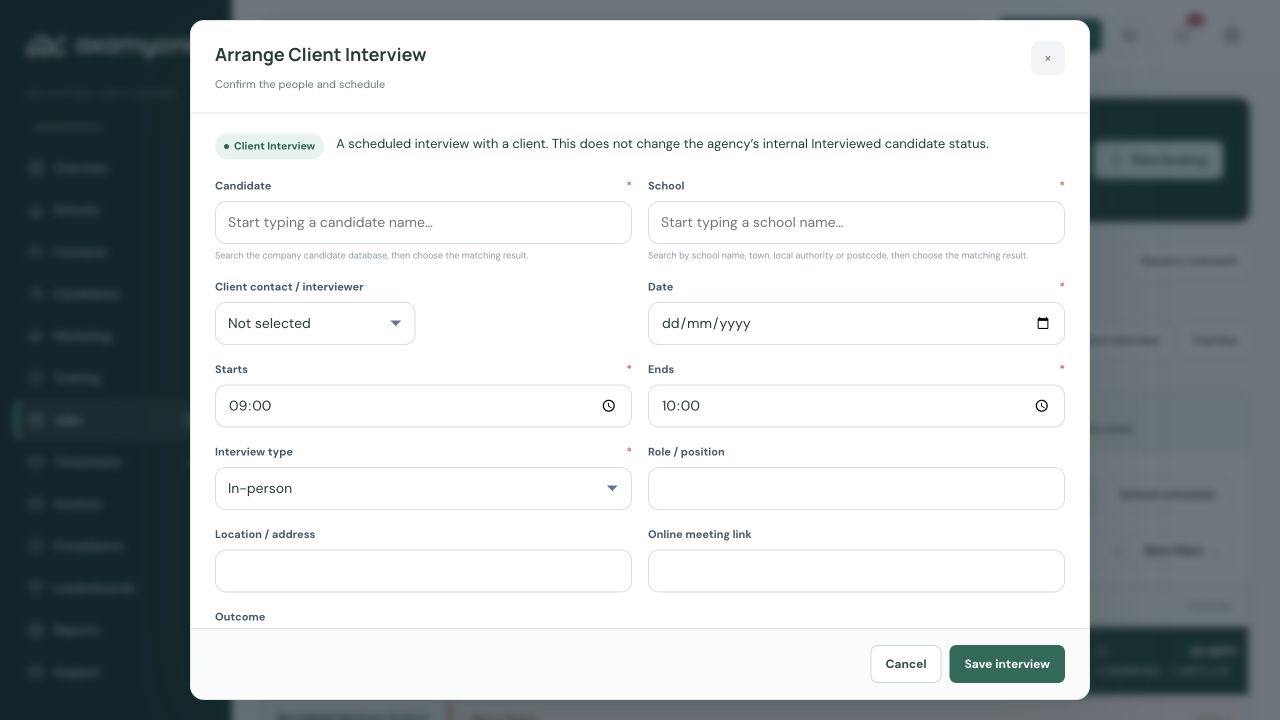
Keep Interviews, Trial Days and Adverts connected
Record the next step without forcing every recruitment journey into the same sequence.
Log a Client Interview with its Candidate, School, date, time, meeting details and outcome. Scheduled Interviews are distinct from the Candidate’s internal Interviewed status.
Arrange paid or free Trial Days with the same clearance rules. Free Trial Days do not introduce pay or charge into payroll and invoicing.
Create an Advert from the global Create menu without first creating a CRM Job. Existing Jobs can still be published through the established route.
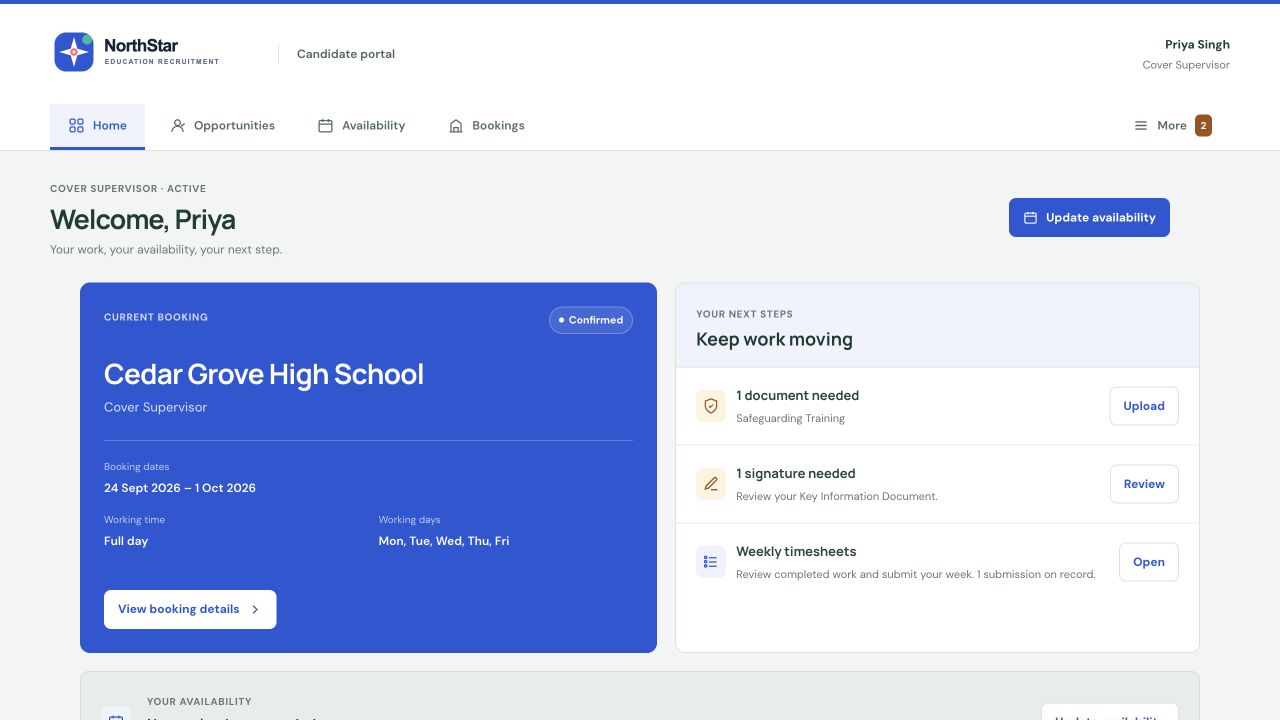
Turn vacancies into conversations
Share a role with selected Candidates and make it easy for them to respond.
Consultants can send vacancy details to selected Candidates by email and through their Candidate Portal.
Candidates choose “I’m interested” without uploading another CV or completing a new Application.
Interest returns to the consultant in the CRM and by email notification. It remains separate from a formal Application, and closed or filled opportunities no longer accept interest.
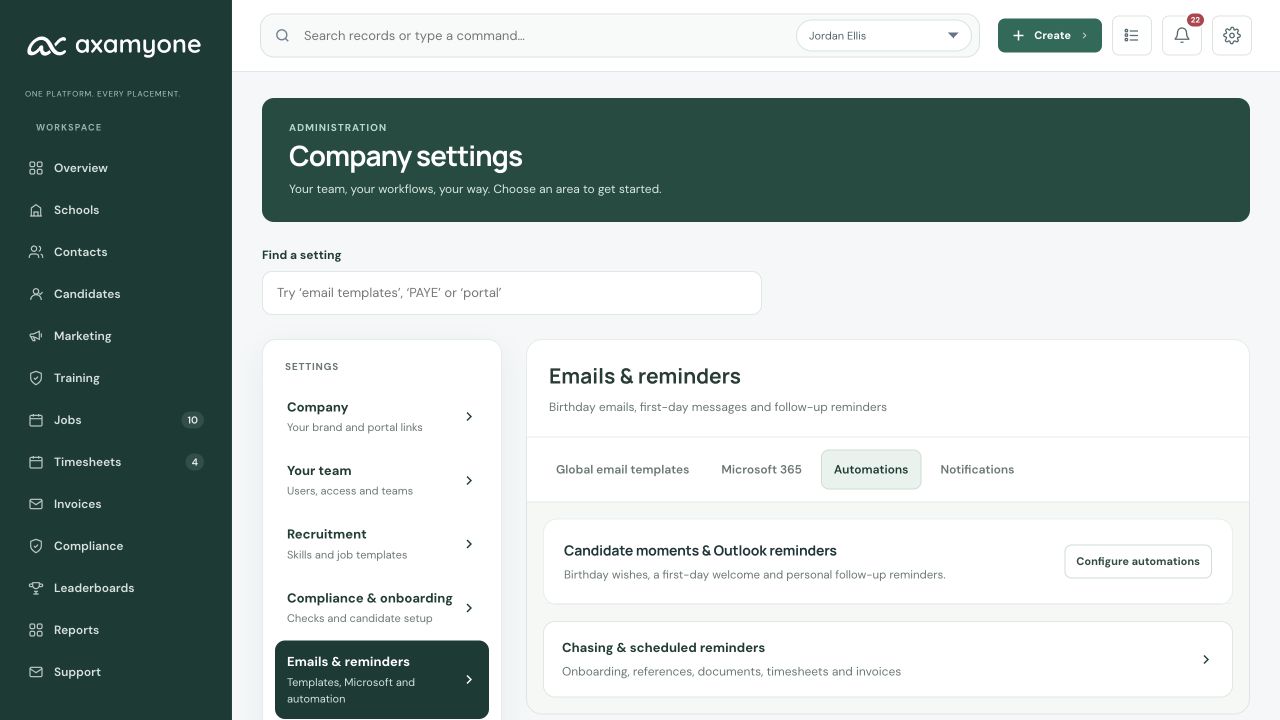
Connect reminders and personal touches
Keep follow-ups close and eligible Candidate messages personal.
Each consenting user can connect their own Microsoft calendar for one-way CRM Task reminders. This is not organisation-wide or two-way calendar access.
Configurable birthday and first-day messages use the eligible assigned consultant’s verified personal mailbox, rather than a generic shared-mailbox fallback.
Agency configuration, permissions and connection readiness remain in control of which supported automations run.
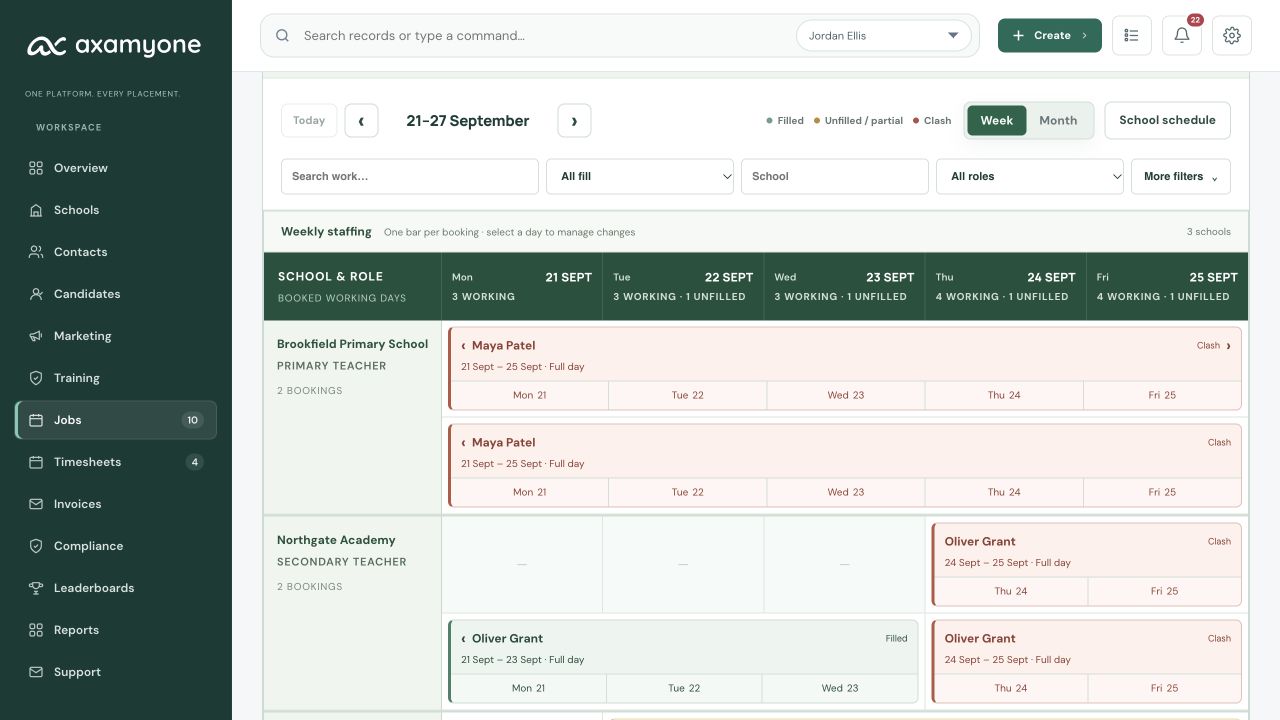
Share a clear School schedule
Give a School a useful weekly staffing view without exposing internal detail.
Prepare a weekly School schedule PDF from the Work View or School record.
Show booked staff, Conditional Bookings, Trial Days and relevant unfilled work in the staffing view.
Keep Client Interviews and private financial, Compliance and internal information out of the shared schedule.
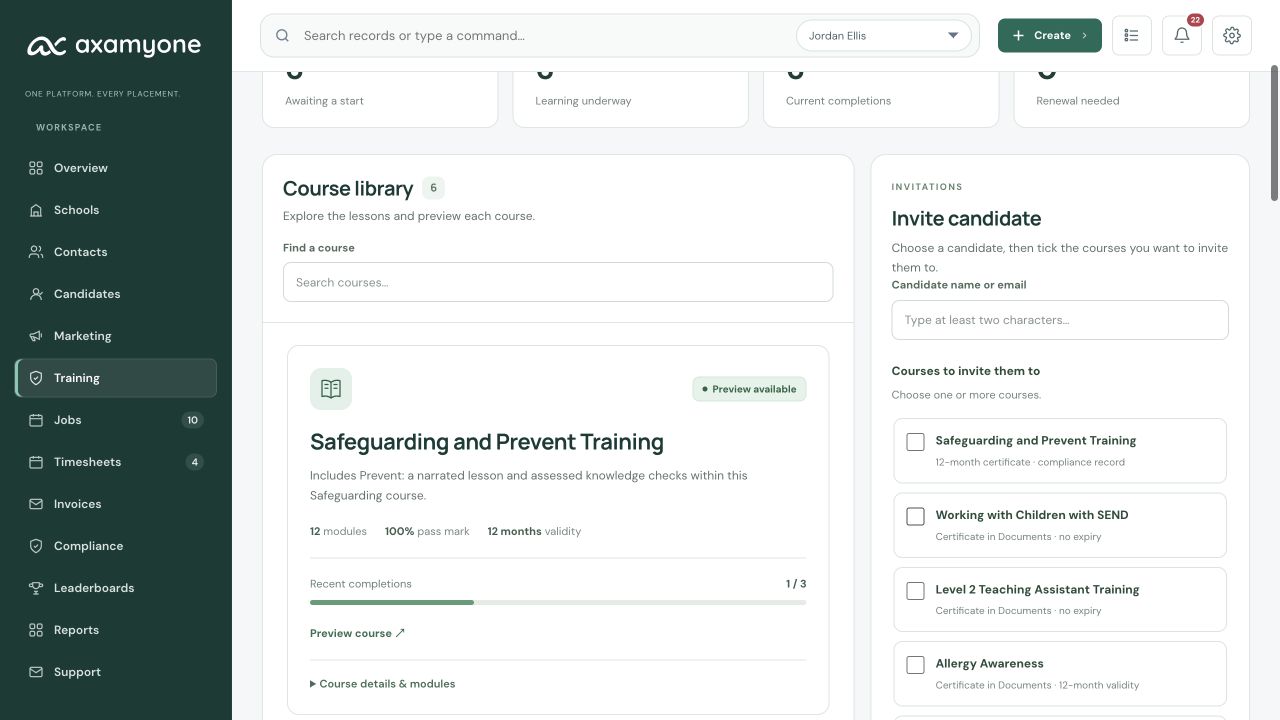
Develop Candidates in their portal
Six education courses bring narrated learning, assessments and evidence into the same workflow.
Safeguarding & Prevent Training now includes deeper Prevent learning within the existing Safeguarding course, alongside Working with Children with SEND and introductory Level 2 Teaching Assistant Training.
Allergy Awareness, Cover Supervisor Training and Behaviour Management Training add practical development options, with narrated lessons and assessments.
Follow invitations, progress and certificates in the CRM and Candidate Portal. Safeguarding & Prevent and Allergy Awareness certificates expire after twelve calendar months; the other four have no automatic expiry.